> ## Documentation Index
> Fetch the complete documentation index at: https://developers.tally.so/llms.txt
> Use this file to discover all available pages before exploring further.
# API keys
> Learn how API keys work on Tally
API keys on Tally allow you to access your account programmatically. This is useful for integrating Tally into your application or with other tools and services.
For now, each API key is tied to a specific user - meaning that it will inherit the permissions of
the user, also when they change. With the key you will be able to access all of the user's
resources.
## Creating an API key
You can create an API key by following these steps:
Go to **Settings** > [**API keys**](https://tally.so/settings/api-keys).
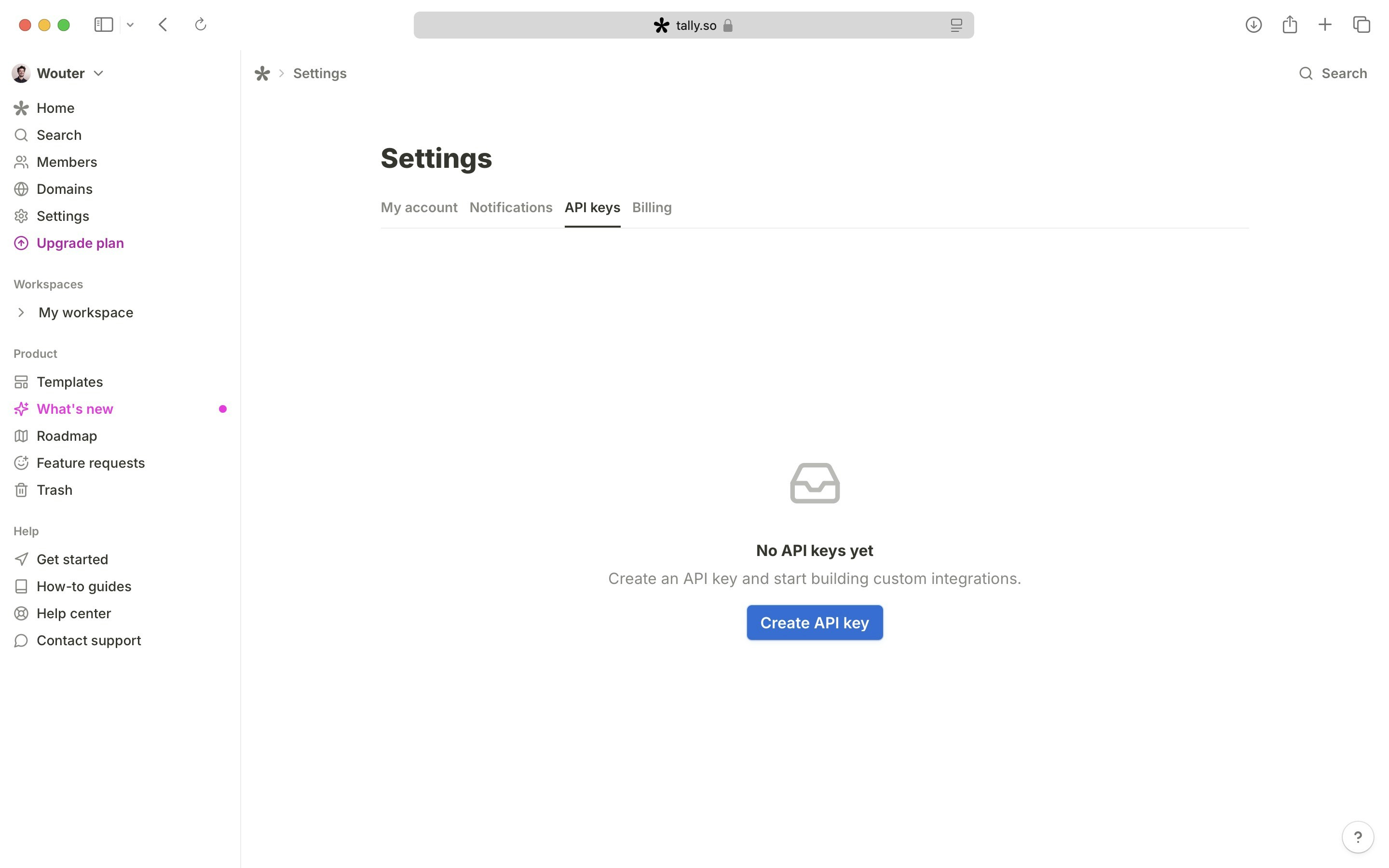 Click on the "Create API key" button.
Currently, you can only create an API key in the context of your own user. While we might add fine-grained permissions in the future, it's not option right now.
Click on the "Create API key" button.
Currently, you can only create an API key in the context of your own user. While we might add fine-grained permissions in the future, it's not option right now.
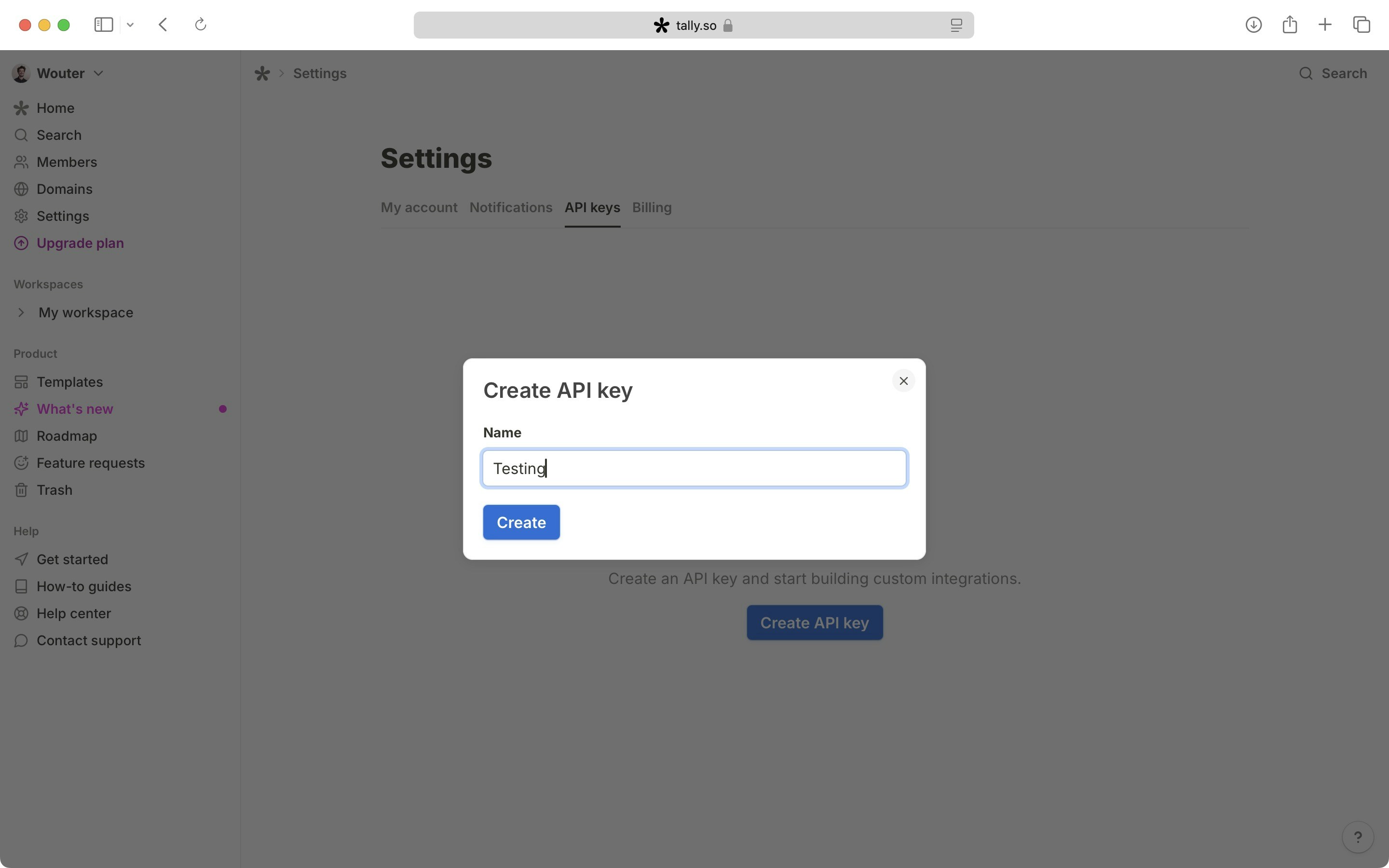 Once your API key is created, make sure to copy and store it in a safe place. You won't be able to see it again for security reasons. If it gets lost, you can create a new one.
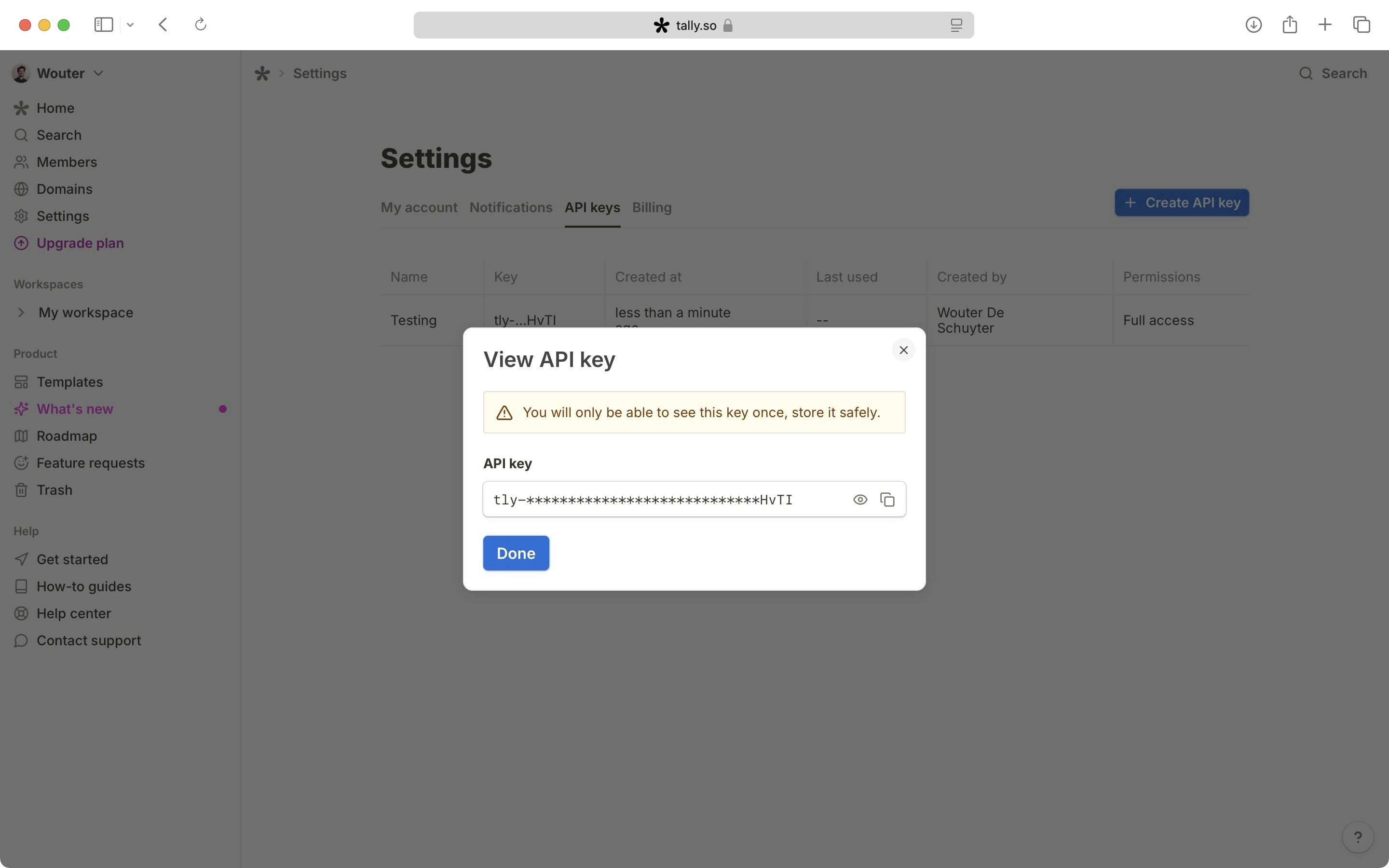 Now that you have your API key, you can use it to access your account's resources programmatically via any API request as a bearer token.
```
Authorization: Bearer tly-xxxx
```
When you remove a user from your organization (or they leave your organization), all API keys
associated with that user will stop working as well. Keep this in mind when managing users.
Now that you have your API key, you can use it to access your account's resources programmatically via any API request as a bearer token.
```
Authorization: Bearer tly-xxxx
```
When you remove a user from your organization (or they leave your organization), all API keys
associated with that user will stop working as well. Keep this in mind when managing users.